
Start by hovering over your user preferences in the top right corner. This will be the username you used to log in. In this tutorial, the user name is netzilla.
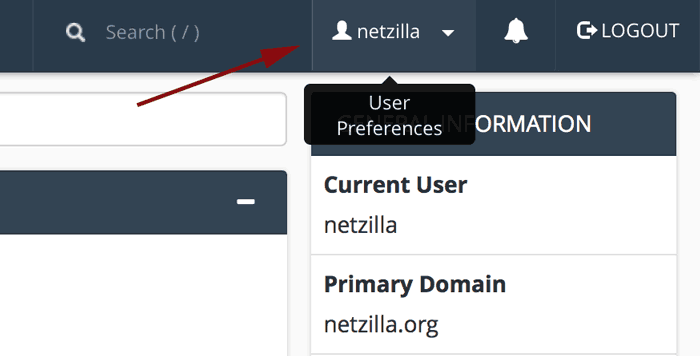
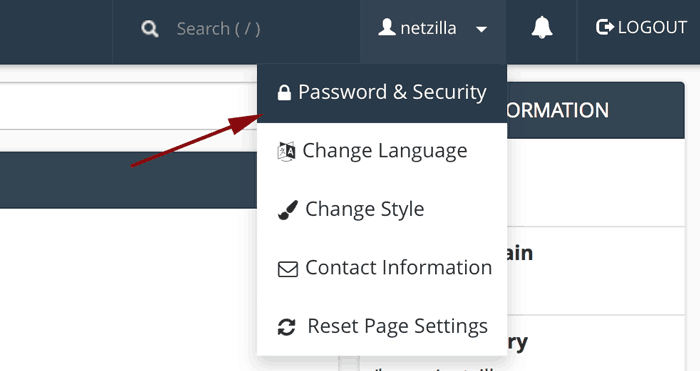
Clicking on it will bring up a menu, click on password and security.
This brings up a page where you will need to supply your old password and then create your new one.
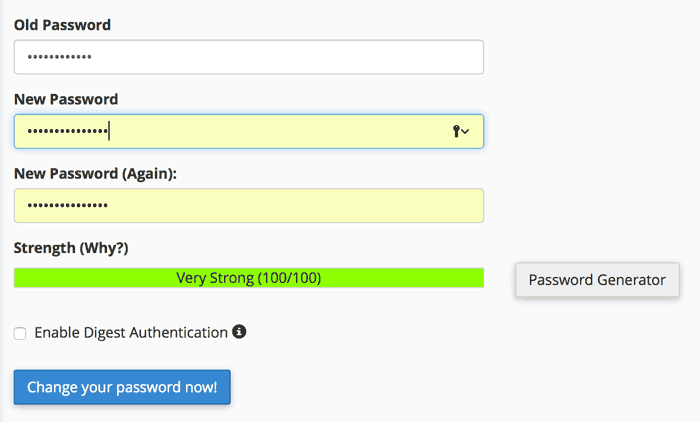
Once you've put in your new password, click Change your password now! and you are all done.
Note: if you have Windows Vista, Windows 7, or Windows 8, you will need to check the Enable Digest Authentication box.