
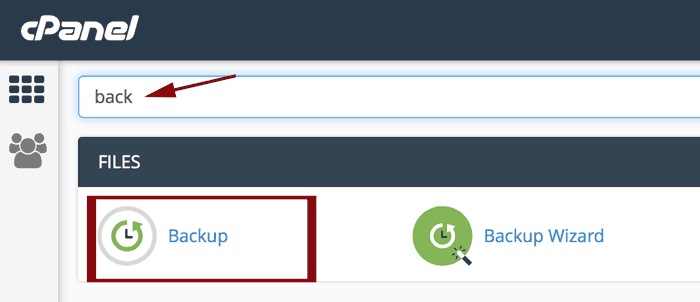
In the search bar look up "backup". Click on the backup icon.
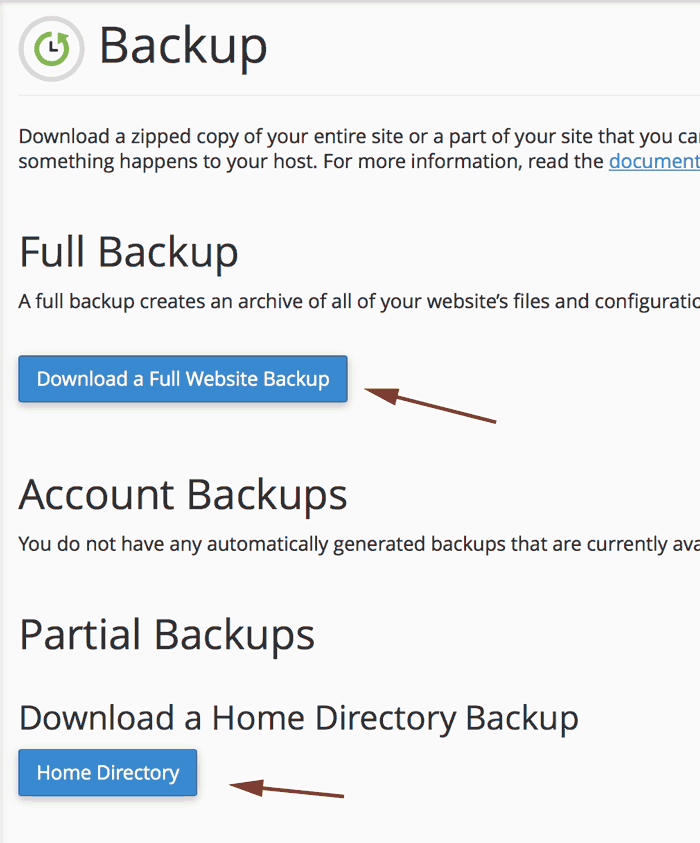
This will take you to another page where you will have the option to do a complete backup or a partial backup. Select what it is you want to do.
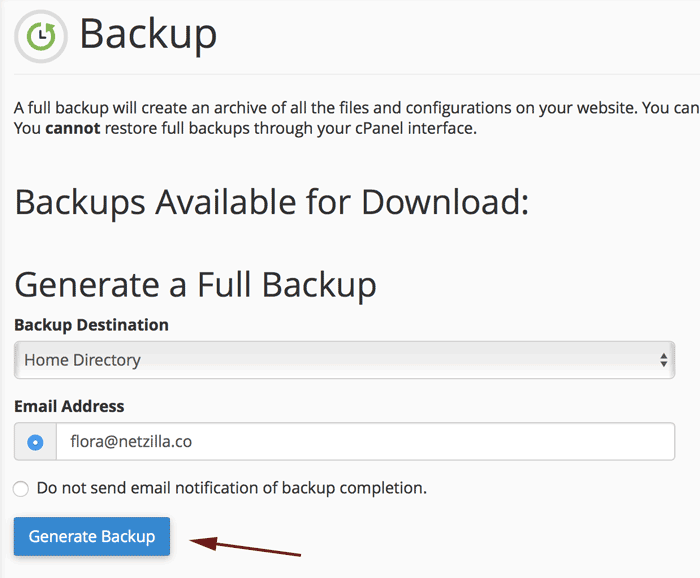
If you wish to download a full website backup, it will take you to another page where you can enter the email for a backup completion notification. Click "generate backup" and you're all done!
Note: if you have an emergency, contact support and we can get you another copy of your website.